
Insufficient Logging and Monitoring
What is insufficient logging and monitoring in Laravel?
Insufficient logging and monitoring in Laravel refers to the lack of implementation or improper configuration of mechanisms to record important events and monitor application activity. This includes failing to log errors, failed login attempts, changes to critical data, or any other activity that could indicate suspicious behavior or an ongoing attack.
Impact of insufficient logging and monitoring
Lack of proper logging and monitoring can have serious consequences, including:
- Difficulty detecting and responding to security incidents: without logs of critical events (failed logins, unauthorized changes, etc.), attacks can go unnoticed and responses can be delayed.
- Lack of visibility into application behavior: without monitoring, it is harder to understand usage patterns, detect anomalies, and identify performance problems.
- Regulatory non-compliance: regulations (for example, GDPR) may require organizations to keep logs of certain activities related to personal data processing.
- Troubleshooting becomes harder: without error/exception logs, diagnosing and fixing issues becomes difficult, impacting stability and availability.
How does insufficient logging and monitoring happen in Laravel?
Common reasons include:
- Default configuration: Laravel provides defaults, but they may not be sufficient for every application.
- Lack of knowledge: developers may overlook logging/monitoring best practices or underestimate their importance.
- Application complexity: as the application grows, comprehensive coverage becomes harder.
- Limited resources: storage and processing constraints can lead to reduced logging.
Mitigation for insufficient logging and monitoring
Laravel provides tools and recommended practices to improve logging and monitoring (Laravel Logging):
-
Laravel logging system: Laravel uses Monolog to log events to different channels (files, Slack, syslog, etc.). You can tune channels and log levels.
-
Log important events: log security-relevant events such as successful/failed logins, sensitive data changes (profile updates, password changes), critical application errors, and unauthorized access attempts.
-
Use appropriate log levels: Monolog supports
debug,info,notice,warning,error,critical,alert, andemergencyto classify severity and simplify filtering. -
Monitor logs in real time: use tools that allow real-time log visualization. Laravel Telescope can help detect anomalies early (Laravel Telescope).
# terminal composer require laravel/telescope --devphp artisan telescope:installphp artisan migrate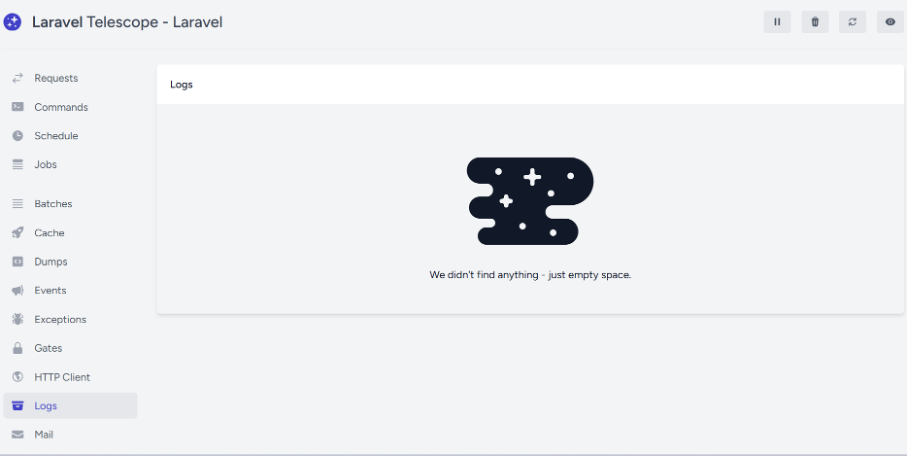
- Protect using a Web Application Firewall (WAF): configure alerts to receive immediate notifications when critical events occur. One option is Shieldon (Shieldon Laravel guide).
# terminal composer require shieldon/shieldonBefore installation, add the following lines at the start of Laravel's bootstrap file bootstrap/app.php:
# bootstrap/app.php if (isset($_SERVER['REQUEST_URI'])) { $storage = __DIR__ . '/../storage/shieldon_firewall'; $firewall = new \Shieldon\Firewall\Firewall; $firewall->configure($storage); $firewall->controlPanel('/firewall/panel/'); $response = $firewall->run(); if ($response->getStatusCode() !== 200) { $httpResolver = new \Shieldon\Firewall\HttpResolver; $httpResolver($response); 1 }}To access the Shieldon control panel, configure the route in routes/web.php:
# routes/web.php use Shieldon\Firewall\Panel; Route::any('/firewall/panel/{path?}', function () { $panel = new Panel; $panel->csrf([ '_token' => csrf_token() ]); $panel->entry();})->where('path', '(.*)');Then visit /firewall/panel and log in with the default credentials (user: shieldon_user, password: shieldon_pass).
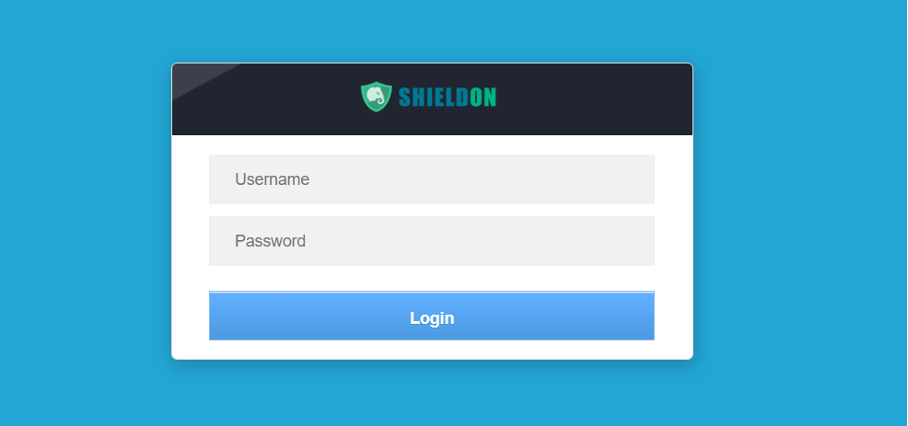
Shieldon allows full WAF configuration and can integrate notifications via different services (Telegram, Line Notify, SMTP, Slack, Rocket.Chat, etc.).