
SQL Injection (SQLi)
What is SQL Injection?
SQL Injection, or SQLi, is a type of attack where an attacker inserts malicious SQL code into input fields with the goal of manipulating the SQL queries that a web application sends to the database.
Impact of SQL Injection
SQL Injection attacks can allow an attacker to:
- Read sensitive data such as passwords, credit card numbers, personal information, etc.
- Modify or delete data, such as altering database contents or removing critical information.
- Execute system commands, potentially taking control of the database server or the underlying operating system.
How does a SQL Injection attack happen?
In Laravel, SQL injection can occur when an attacker is able to inject malicious SQL into queries sent to the database. This can happen when user input is not properly validated/sanitized before being used in queries, or when dynamic SQL is built without parameterization.
1. Accessing data without credentials
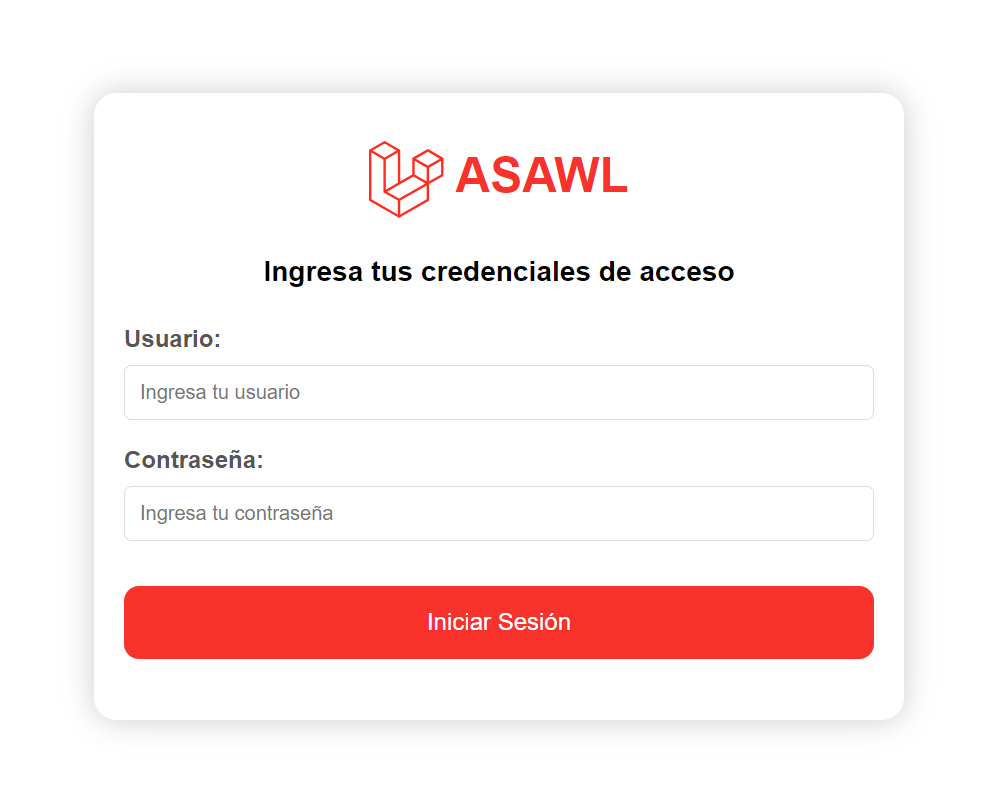
To illustrate an unauthenticated data access attack, consider a Login Form where credentials are provided via User and Password.
1.1. Malicious input
An attacker who has not logged in enters malicious data into an input field (forms, URLs, etc.).
a. In the User field, they enter any username such as fake-user, followed by a malicious SQL statement:
-- malicious SQL' OR 1=1 --b. In the Password field, they enter any string such as 123456.
1.2. Vulnerable query
If the application does not validate/sanitize input correctly, the malicious statement is incorporated directly into the SQL query sent to the database.
For illustration, a basic SQL query to look up a user by name might be:
-- vulnerable SQL querySELECT name, passwordFROM usersWHERE name = 'fake-user'c. With the injected SQL, the attacker changes the original query to:
-- injected SQL in the vulnerable querySELECT name, passwordFROM usersWHERE name = 'fake-user' OR 1=1 --`1.3. Execution of malicious code
The database interprets the modified SQL. If fake-user does not exist, the original condition would return no rows, but the injected condition OR 1=1 is always true, causing the query to return all user records. The -- comment also neutralizes the remainder of the query, preventing syntax errors.
1.4. Consequences
The attacker may gain unauthorized access to sensitive data, modify database records, or even execute OS-level commands if the database user has sufficient privileges.
2. Accessing data with credentials
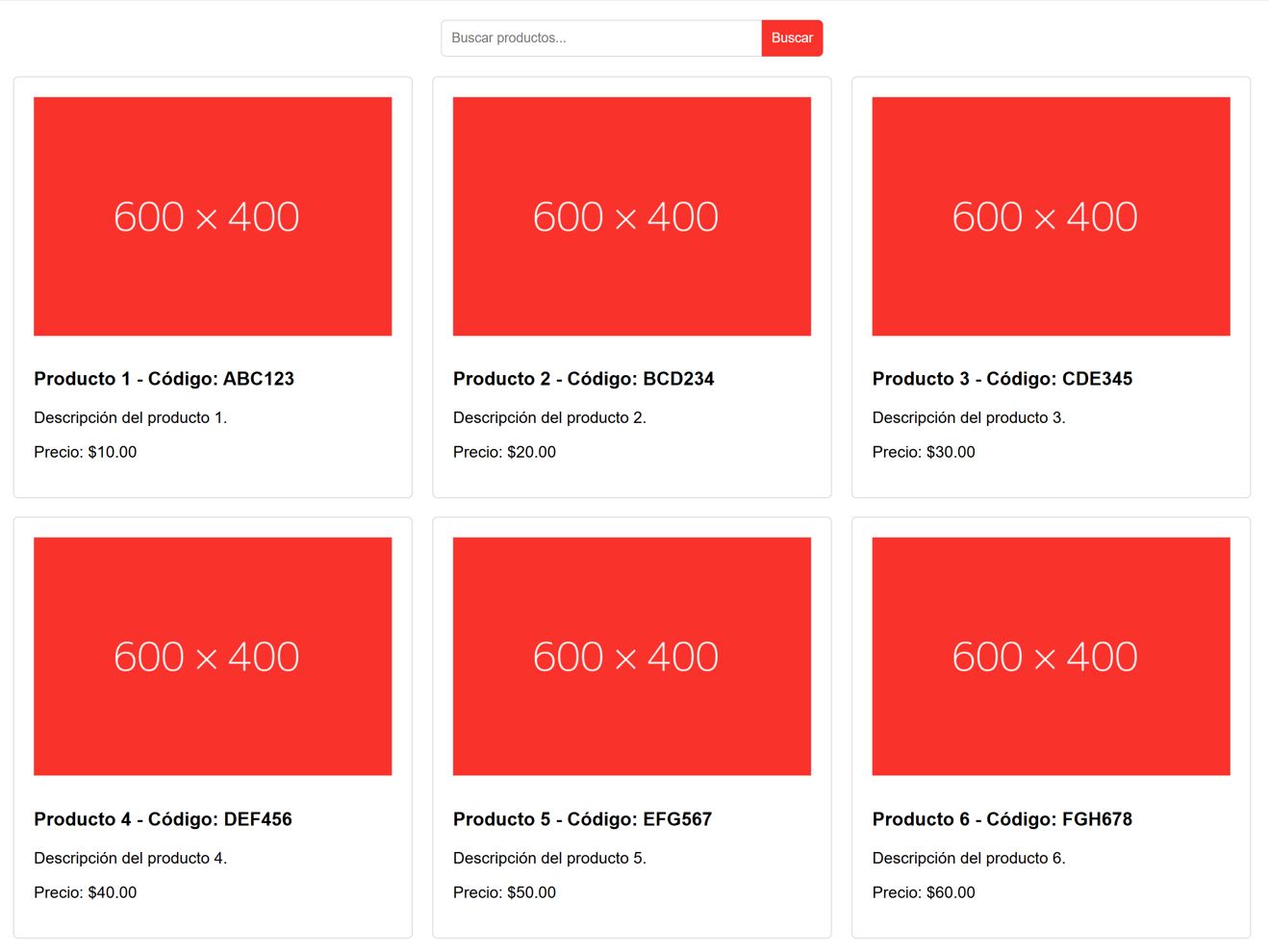
To illustrate an authenticated data access attack, consider a Product Search feature that searches by product code.
2.1. Malicious input
An attacker who is logged in enters malicious data in an input field (forms, URLs, etc.).
a. In the Search field, they enter any product code such as ABC123, followed by a malicious SQL statement:
-- malicious SQL' UNION SELECT name, password FROM users --2.2. Vulnerable query
If the application does not validate/sanitize input correctly, the malicious statement is incorporated into the SQL query sent to the database.
For illustration, a basic query to fetch products by code might be:
-- vulnerable SQL querySELECT code, productFROM productsWHERE code = 'ABC123'b. With the injected SQL, the attacker changes the original query to:
-- injected SQL in the vulnerable querySELECT code, productFROM productsWHERE code = 'ABC123' UNION SELECT name, password FROM users --'2.3. Execution of malicious code
The database executes the modified query. The first part runs normally, but due to UNION, results are combined with the second query reading from users. The -- comment suppresses the remainder of the query.
2.4. Consequences
The application returns the combined results, potentially exposing usernames and password hashes (or even passwords if stored insecurely).
3. Malicious data deletion
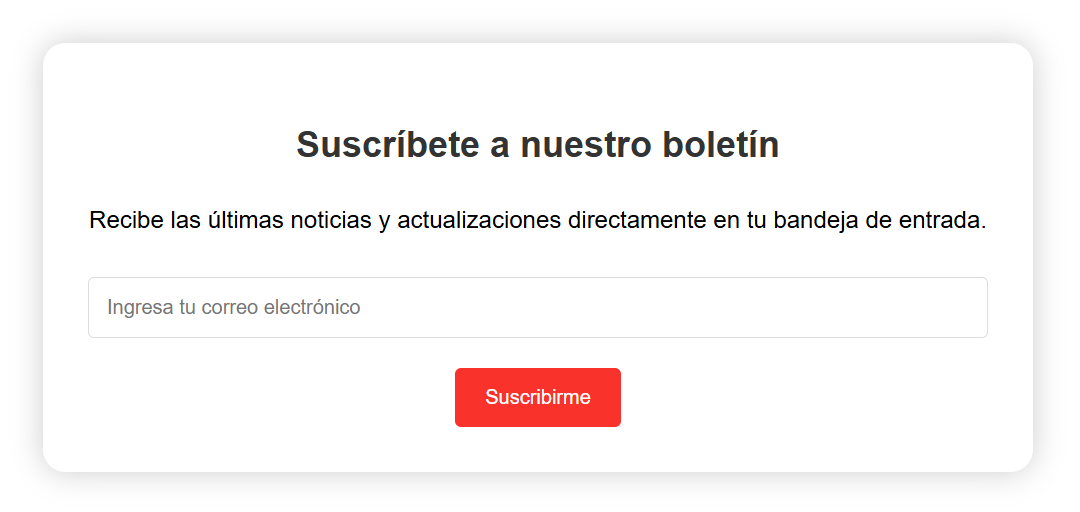
To illustrate a malicious deletion attack, consider a Newsletter Subscription form where a user submits an email address.
3.1. Malicious input
An attacker (logged in or not) enters malicious data in an input field.
a. In the Email field, they enter any email such as [email protected], followed by a malicious SQL statement:
-- malicious SQL'); DROP TABLE users --3.2. Vulnerable query
If the application does not validate/sanitize input correctly, the malicious statement is incorporated into the SQL query sent to the database.
For illustration, a basic query to store a subscription might be:
-- vulnerable SQL queryINSERT INTO subscribers (email)b. With the injected SQL, the attacker changes the original query to:
-- injected SQL in the vulnerable queryINSERT INTO subscribers (email)3.3. Execution of malicious code
The database executes the modified query. In addition to inserting the subscription, it executes DROP TABLE users, deleting the users table. The -- comment suppresses the remainder of the query.
3.4. Consequences
An attacker can delete critical data and potentially compromise the entire application, depending on database permissions.
Mitigation for SQL Injection (SQLi)
Laravel provides tools to protect web applications from SQL injection, but applications can still be vulnerable if unsafe patterns are used.
namespace App\Http\Controllers; use Illuminate\Http\Request;use Illuminate\Support\Facades\DB; class AuthController extends Controller{ public function login(Request $request) { $name = $request->input('name'); $password = $request->input('password'); /* Vulnerable SQL query */ $user = DB::select( "SELECT name, password ". "FROM users ". "WHERE name = '$name'" ); }}Mitigation in Laravel can be implemented via:
1. Input validation
Validate all user input rigorously to ensure it matches expected formats and types. Laravel offers many validation rules and supports validation in controllers, but ASAWL recommends validating via Form Requests whenever possible.
Reference: Laravel Validation - Form Request
Create a Form Request named LoginRequest:
php artisan make:request LoginRequestDefine validation rules in LoginRequest::rules():
namespace App\Http\Requests; use Illuminate\Foundation\Http\FormRequest; class LoginRequest extends FormRequest{ /* ... hidden code ... */ /** * Input validation */ public function rules(): array { return [ 'name' => ['required', 'string'], 'password' => ['required', 'string'], ]; } /* ... hidden code ... */}Laravel provides many validation rules depending on data types. Reference: Available Validation Rules
2. Input sanitization
- If you must include user input directly in SQL (not recommended), escape it and sanitize it to prevent it from being interpreted as SQL.
- Use
trim()to remove whitespace (PHPtrim()). - Use
strip_tags()to remove HTML tags (PHPstrip_tags()).
Example sanitization in a Form Request:
namespace App\Http\Requests; use Illuminate\Foundation\Http\FormRequest; class LoginRequest extends FormRequest{ /* ... hidden code ... */ /** * Input sanitization */ protected function passedValidation(): void { $this->merge([ 'name' => strip_tags(trim(e($this->name))), ]); }}3. Use safe SQL query tools
3.1. Use Eloquent ORM
Prefer Eloquent as it parameterizes queries and helps prevent malicious input from being interpreted as SQL.
Reference: Laravel Eloquent
namespace App\Http\Controllers; use App\Models\User;use App\Http\Requests\LoginRequest; class AuthController extends Controller{ public function login(LoginRequest $request) { $name = $request->input('name'); $password = $request->input('password'); // Eloquent ORM $user = User::where('name', $name)->first(); }}3.2. Use Query Builder
If you need more flexibility than Eloquent, use Laravel's Query Builder, which also safely binds parameters.
Reference: Laravel Queries
namespace App\Http\Controllers; use Illuminate\Support\Facades\DB;use App\Http\Requests\LoginRequest; class AuthController extends Controller{ public function login(LoginRequest $request) { $name = $request->input('name'); // Query Builder $user = DB::table('users') ->where('name', $name) ->get(); }}3.3. Use parameterized queries
If you must build raw/dynamic SQL, use placeholders (?) or named parameters. These are called parameterized queries.
Reference: Laravel Database - Running a Select Query
namespace App\Http\Controllers; use Illuminate\Support\Facades\DB;use App\Http\Requests\LoginRequest; class AuthController extends Controller{ public function login(LoginRequest $request) { $name = $request->input('name'); // Parameterized query $user = DB::select( 'SELECT name, password FROM users WHERE name = ?', [$name] ); }}End-to-end example
To illustrate a complete mitigation flow, consider validating/sanitizing input via LoginRequest, and then using Eloquent in the controller:
namespace App\Http\Requests; use Illuminate\Foundation\Http\FormRequest; class LoginRequest extends FormRequest{ public function authorize(): bool { return true; } /** * Input validation */ public function rules(): array { return [ 'name' => ['required', 'string'], 'password' => ['required', 'string'], ]; } /** * Input sanitization */ protected function passedValidation(): void { $this->merge([ 'name' => strip_tags(trim(e($this->name))), ]); }}namespace App\Http\Controllers; use App\Http\Requests\LoginRequest;use App\Models\User;use Illuminate\Support\Facades\Hash; class AuthController extends Controller{ public function login(LoginRequest $request) { $name = $request->input('name'); $password = $request->input('password'); $user = User::where('name', $name)->first(); if (Hash::check($password, $user->password)) { $request->session()->regenerate(); return redirect()->intended('dashboard'); } return back()->withErrors([ 'name' => 'The credentials do not match.', ])->onlyInput('name'); }}